Smart Devices
Last Updated
Jun 11, 2026
Table of contents
Blood pressure is one of the highest-value numbers you can track at home, and it matters most as a trend over time rather than any single reading.
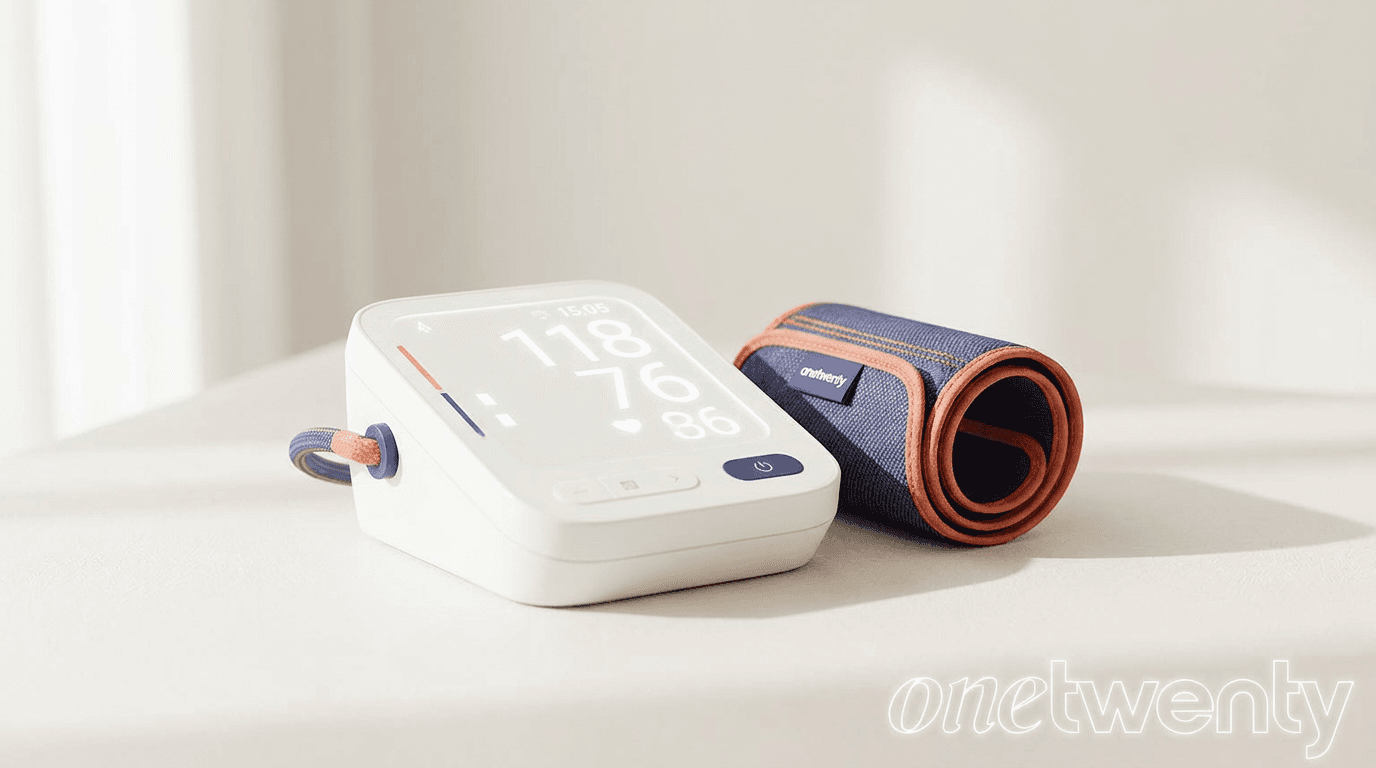
For OneTwenty, the goal is simple: an accurate cuff that sends its readings to your dashboard with as little friction as possible. One rule before anything else. Use an upper-arm cuff, not a wrist device. Upper-arm monitors are consistently more accurate, and accuracy is the entire point of measuring at all. A device that syncs on its own keeps your trend current, while one that needs manual entry tends to be abandoned within days.
How OneTwenty works
Your devices and labs, one profile.
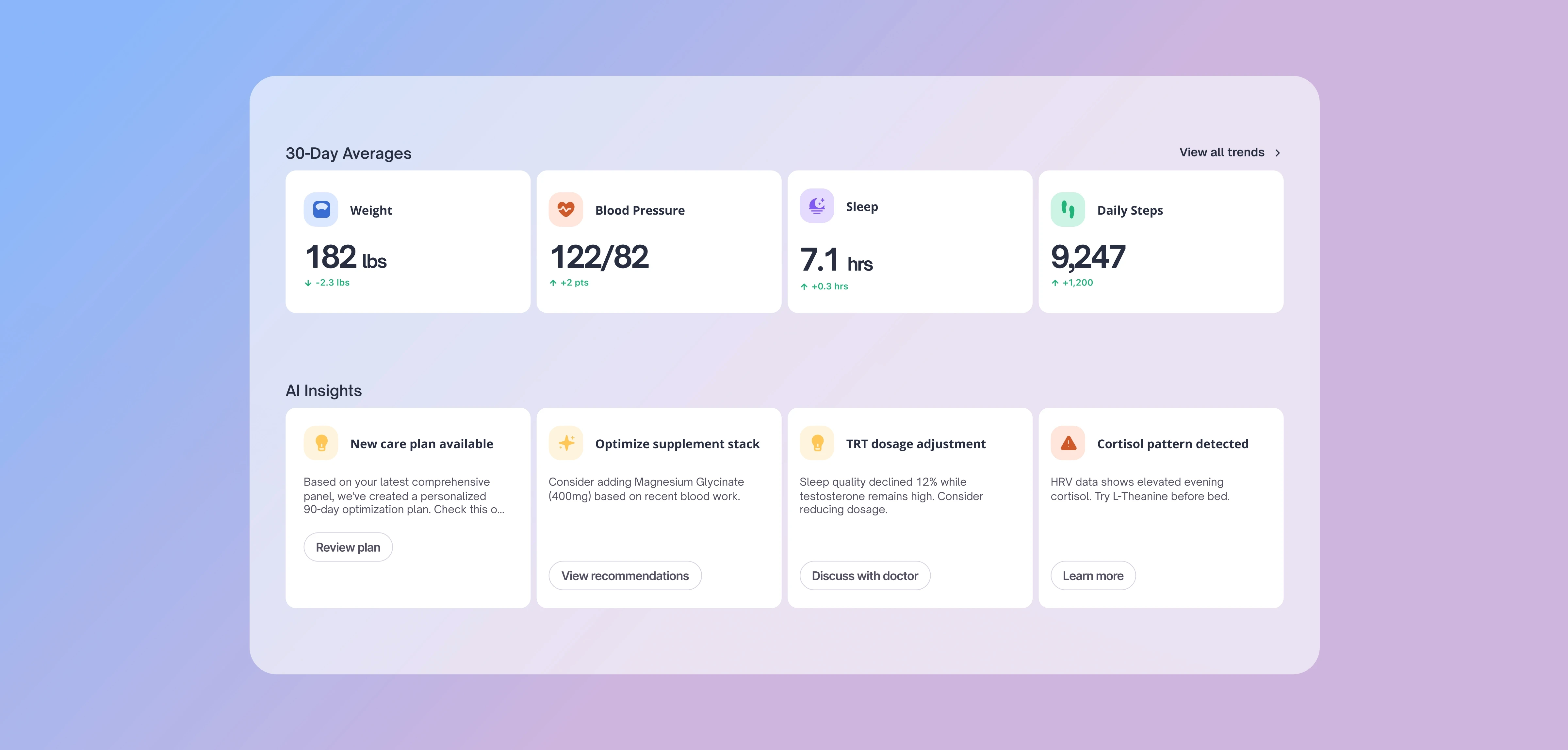
OneTwenty pulls your wearables, scale, blood pressure, and blood panels into a single health profile, then turns the combined picture into trends and insights.
The monitors below feed the blood-pressure side of that picture.
Before you buy
Two ways a device syncs.
Every pick below is labeled with exactly one of these, so you know what you are getting.
Straight into OneTwenty
Connects to your OneTwenty dashboard in the background. No phone required, and every reading posts on its own, so nothing depends on the phone hand-off.
Through your phone
Reaches OneTwenty only by way of your phone's health app, Apple Health on iPhone or Google Fit on Android, with that app installed and syncing. Without it, you enter readings by hand.
The picks
An option at every budget.
iHealth
About $40
Best for: the lowest-cost reliable option
The cheapest dependable, FDA-cleared cuff you can buy. The catch is the data path: readings reach OneTwenty through Apple Health on an iPhone, and without that setup you enter them by hand. A solid choice if cost is the deciding factor and you carry an iPhone.
Beurer
About $40 to $80
Best for: a budget cuff that still syncs on its own
The value pick that does not make you trade away automatic syncing. Affordable, and it sends readings to OneTwenty directly without depending on your phone. If you want low cost and hands-off data, start here.
Withings BPM Connect
$129.95 list, often about $100 on sale
Best for: hands-off WiFi syncing
FDA-cleared and built around WiFi, so it uploads each reading to OneTwenty on its own, no phone nearby required. The most effortless cuff to live with day to day, and the one to choose if you want to take a reading and forget about the rest.
Omron upper-arm monitor
About $50 to $100
Best for: maximum accuracy
The clinical gold standard for at-home blood pressure accuracy, and it syncs directly to OneTwenty. If precision is your first priority and you want numbers you can fully trust, this is the one.
Kardia
About $80 and up
Best for: catching irregular heart rhythms
Not a blood pressure cuff, but a useful companion. Kardia is a personal ECG that can flag irregular rhythms such as atrial fibrillation, and it syncs directly to OneTwenty. Add it alongside a cuff if heart rhythm is a concern for you.
Works with OneTwenty
Every compatible monitor.
Beyond the picks above, OneTwenty connects with a range of monitors. Direct sync devices need no phone. Bridge only devices reach OneTwenty through Apple Health or Google Fit.
Almost any blood pressure monitor that writes to Apple Health on iPhone or Google Fit on Android connects through the bridge, including the budget iHealth. If your cuff already syncs to either app, its data reaches OneTwenty through your phone.
Get it right
How to get accurate readings.
- Use a correctly sized upper-arm cuff. Skip wrist devices. A cuff that is too small or too large skews the result.
- Sit quietly for five minutes first. Feet flat on the floor, back supported, legs uncrossed.
- Rest your arm at heart level. Support it on a table, and stay still and silent during the reading.
- Measure at the same time each day. Morning is ideal, before coffee or medication.
- Take two readings a minute apart. Record both, and judge by the pattern over days, not one number.
Common questions
Blood pressure and OneTwenty.
Why upper-arm instead of a wrist monitor?
Upper-arm cuffs are consistently more accurate. Wrist devices are convenient but easy to misposition, which skews the reading. For tracking that you can trust, use an upper-arm cuff.
Will my monitor sync to OneTwenty automatically?
The Direct sync models (Beurer, Withings BPM Connect, Omron, and Kardia) connect on their own. The budget iHealth is Bridge only, reaching OneTwenty through Apple Health on an iPhone.
I use an Android phone. Which should I pick?
Choose a Direct sync cuff, since those work regardless of phone. The bridge iHealth relies on Apple Health, so on Android you would be entering readings by hand. We do not connect through Samsung Health.
Does a home monitor replace my doctor?
No. Home readings are for spotting trends, not for diagnosis. If your numbers run high, share them with a provider.
The bottom line
What to pick.
For accuracy, choose Omron. For the most hands-off experience, the Withings BPM Connect uploads over WiFi without any effort. On a budget, iHealth is the cheapest reliable option if you carry an iPhone, and Beurer is the budget pick that still syncs on its own. Add Kardia if you also want to keep an eye on heart rhythm.
Home readings help you spot trends. They are not a diagnosis. If your numbers run high, share them with a provider.
Not your average
Checkup.
Every life stage brings new biological demands. Tracking the right metrics at the right time helps you adapt, optimize performance, and extend both lifespan and healthspan.
Your Annual Physical
Manual Data Processing
Guesswork Trend Detection
Once-a-year physical
Reactive, tested when sick
No data between visits
Once a year testing
Delayed Results
One-size dosing, set and forget
Real-Time Trend Insights
Daily smart-device data
Automated Data Sync
Quarterly Biomarker Tests
Optimal, personalized targets
Plain-language AI insights
Medications titrated to your data
Built to extend healthspan

Frequently Asked Questions
Clarity before
you commit
Answers on setup, scale, and support to remove blockers.